
If you want to integrate your other email providers into Willdesk inbox those are emails that have not been mentioned in our email providers, please kindly check the IMAP/SMTP parameter by yourself.
If you can't get the parameter, please ask our customer service for help.
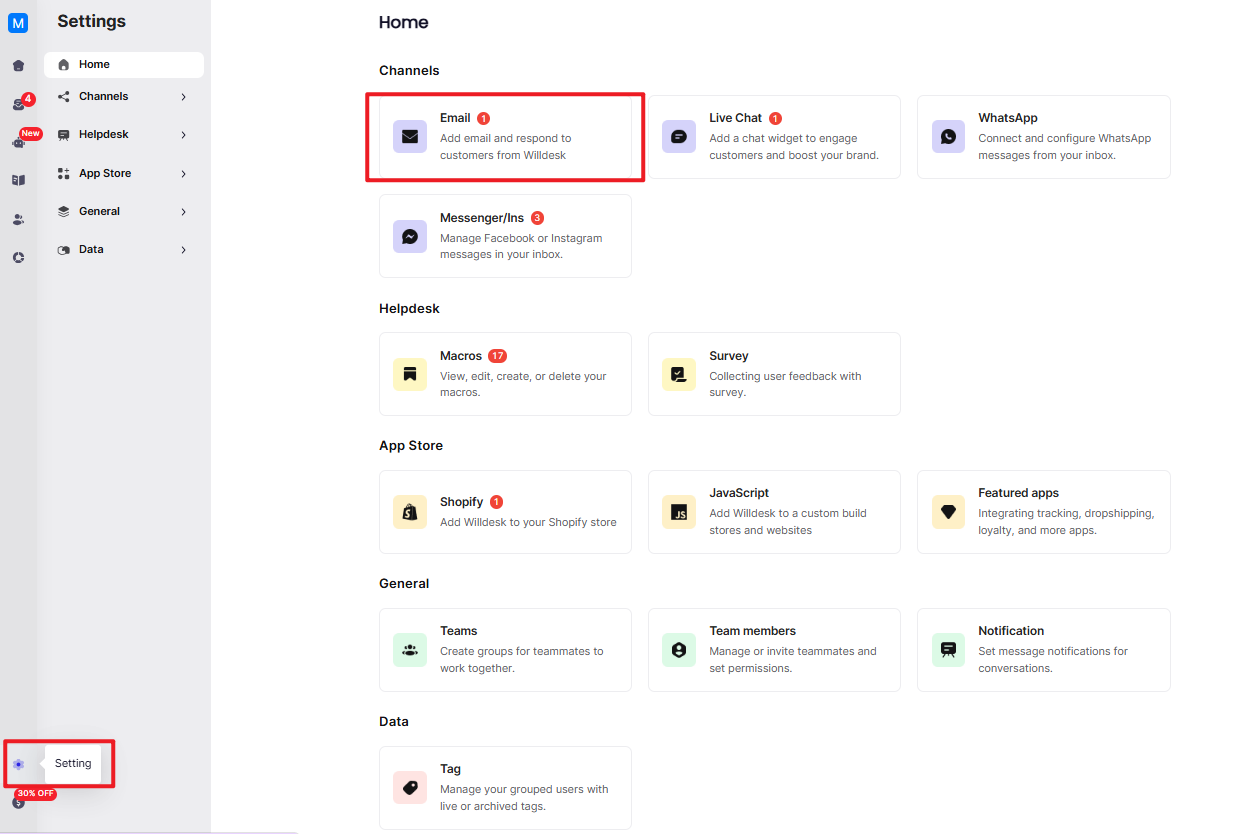
1. Step 1: Please go to Settings → Email.
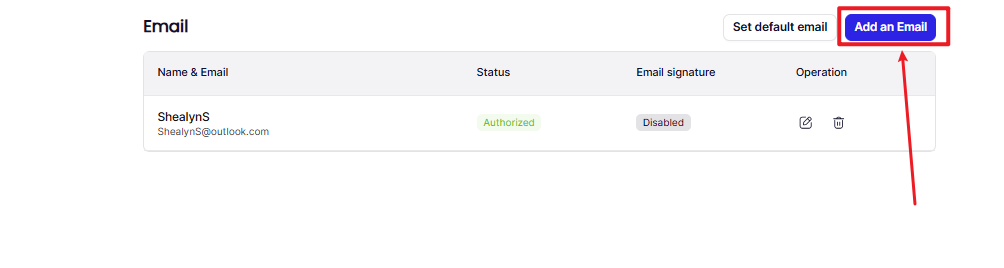
2. Step 2: Click Add an Email.
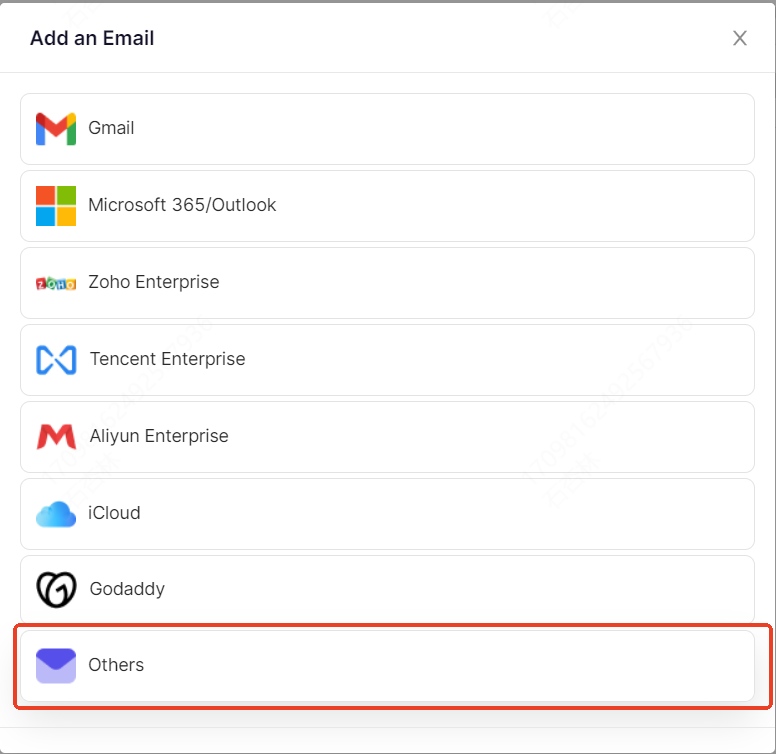
3. Step 3: Select Others.
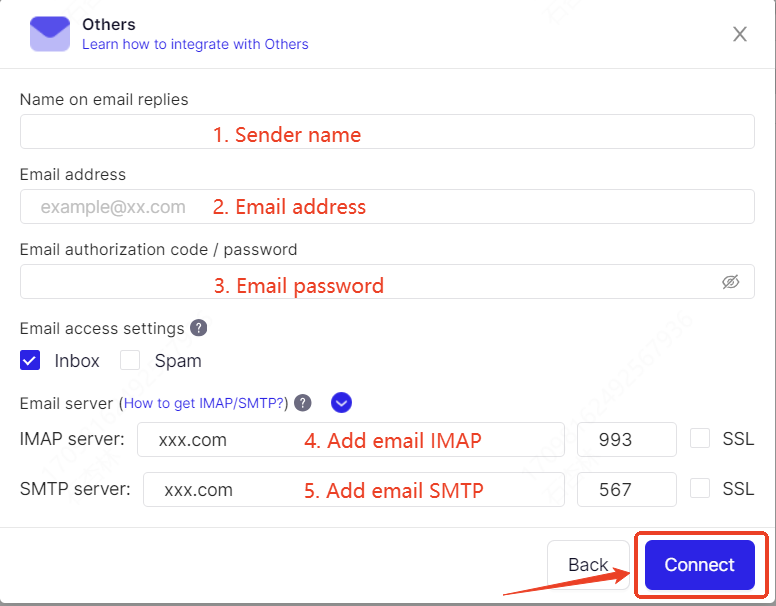
4. Step 4: Please fill in your email information, including the sender's name, Email address, Email password, as well as the Email IMAP and Email SMTP.
ATTENTION:
If you change your email password, email integration will be failed. Please follow the above steps to integrate again!